

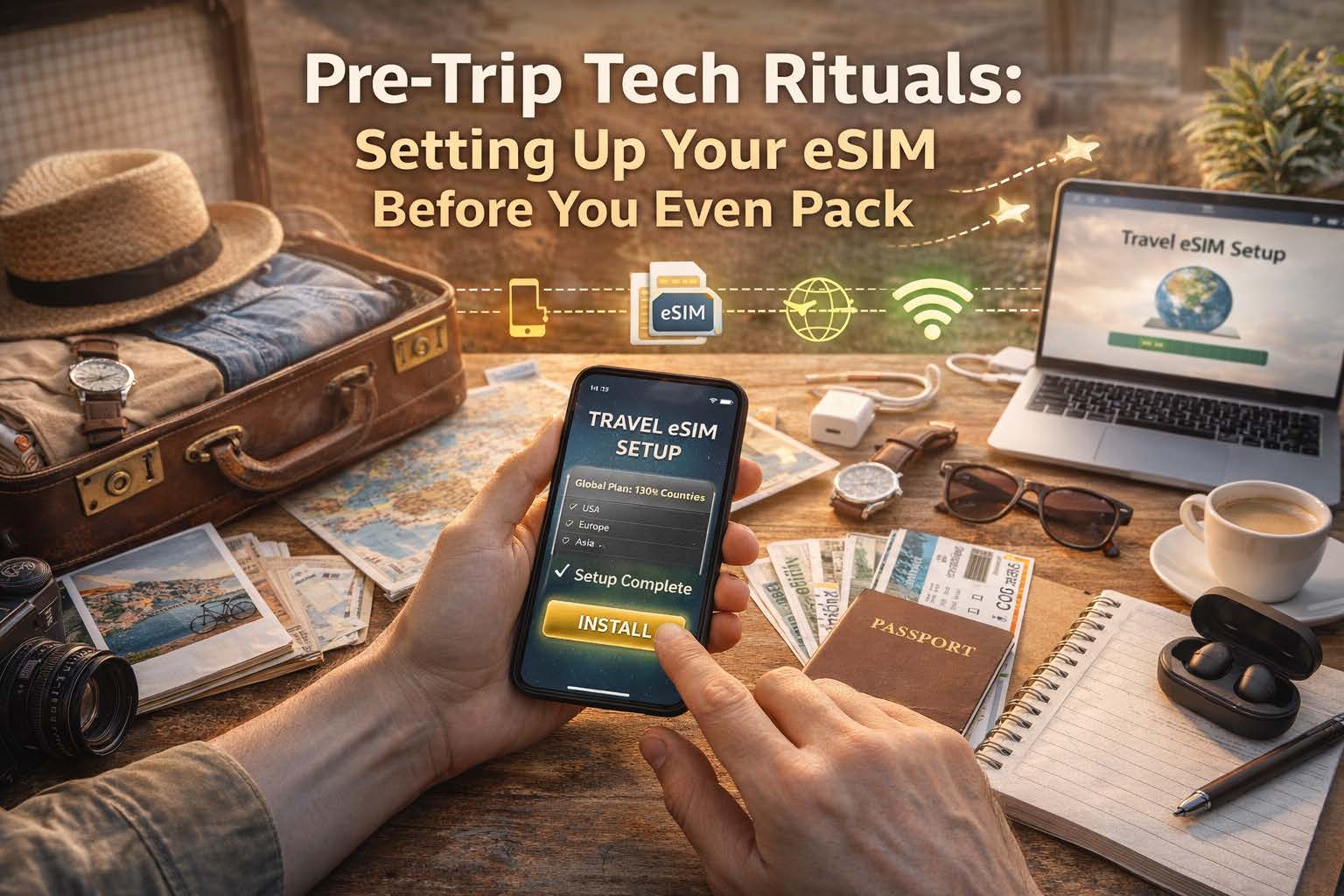
Because the smartest travelers connect before they even zip their suitcase
How to Set Up Your eSIM Before Travel: The Pre-Trip Checklist That Saves You Time
Want your phone to work the moment you land? Set up your eSIM before your trip, test it in advance, and avoid airport SIM card lines, Wi-Fi hunting, and last-minute setup stress.
Quick Answer: When Should You Set Up Your eSIM?
You should set up your eSIM before you travel, while you still have a stable internet connection and time to check your settings. The best time is before you pack, not after you land.
- Choose the right coverage for your destination
- Check if your phone is unlocked and eSIM compatible
- Install the eSIM before departure
- Set the eSIM as your data line
- Turn on data roaming if required
- Test your setup before leaving home
Why Set Up Your eSIM Before You Travel?
The easiest travel day is the one with fewer surprises. When your eSIM is installed and configured before departure, you can land, turn off airplane mode, and get online faster for maps, rides, hotel directions, and messages.
Instead of spending your first hour abroad searching for Wi-Fi or comparing unfamiliar SIM options, you step into the trip already connected.
Pre-Trip eSIM Setup Checklist
Use this checklist before your trip so your travel eSIM is ready when you arrive.
- Choose a plan that matches your destination or region
- Confirm your phone supports eSIM
- Make sure your device is unlocked
- Update your phone’s operating system
- Purchase and install your eSIM while connected to Wi-Fi
- Name the eSIM clearly, such as “Travel Data”
- Set the eSIM as the default line for mobile data
- Keep your primary SIM active for calls and texts if needed
- Enable data roaming on the eSIM profile
- Test that the eSIM profile is installed and recognized
- Save your QR code or activation details somewhere safe
- Double-check coverage for every country on your itinerary
Step 1: Choose the Right eSIM Coverage for Your Trip
Before you install anything, match your eSIM plan to your itinerary. Some travelers need a single-country plan, while others need regional or global coverage for multi-country travel.
- Single-country plans for longer stays in one destination
- Regional plans for trips across multiple nearby countries
- Global plans for maximum flexibility
Think of this as choosing the right plug adapter for your trip. It is a tiny decision that affects everything else.
Step 2: Check Device Compatibility Before You Buy
Not every phone supports eSIM, and not every eSIM-capable phone works the same way in every market. Before travel, confirm these basics:
- Your phone supports eSIM
- Your device is unlocked
- Your operating system is up to date
Step 3: Install Your eSIM Before You Leave
Once you buy your plan, install the eSIM before your departure date while you are on reliable internet. This is usually done by scanning a QR code or following activation instructions sent after purchase.
A clean install at home beats a rushed install in an airport terminal every time.
Step 4: Configure Your Phone for Travel Data
Installing the eSIM is only half the job. To make your arrival seamless, configure your phone before takeoff.
- Set your eSIM as the default for mobile data
- Keep your primary SIM active for voice and SMS if you want both lines available
- Enable data roaming on the eSIM profile
- Turn off automatic switching if you want tighter control over which line uses data
This is the settings stage where chaos quietly becomes choreography.
Step 5: Test Your eSIM Setup Before the Trip
You may not fully use the plan until you travel, but you can still confirm the setup is ready.
- The eSIM profile is installed correctly
- Your phone recognizes the plan
- The data line and roaming settings are configured properly
Testing before departure trades uncertainty for confidence, which is one of the best pre-trip upgrades you can buy without buying another bag.
Why OneSimCard Makes Pre-Trip Setup Easier
OneSimCard DataMax eSIM is built for travelers who want to be connected before they land, not after they start improvising in baggage claim.
QR Code Delivery
Get your eSIM digitally and install it before the trip instead of waiting to solve connectivity at arrival.
Coverage in 200+ Destinations
Choose coverage that fits single-country vacations, regional travel, or broader international itineraries.
Reusable for Future Trips
Set it up once, travel smarter again later, and make your pre-trip ritual more routine than rescue mission.
Common eSIM Setup Mistakes to Avoid Before Travel
- Waiting until arrival to install your eSIM
- Forgetting to enable data roaming on the eSIM profile
- Leaving your primary SIM as the default data line
- Skipping the compatibility check
- Not confirming coverage for every destination on your route
- Failing to save the QR code or setup details
Most travel eSIM issues start long before the flight. They begin with skipped setup steps at home.
What Happens When You Set Up Your eSIM Early?
Your first minutes after landing become simpler:
- Maps load faster
- Rides and transfers are easier to book
- Hotel directions are ready
- Messages can be sent immediately
- You avoid airport kiosk confusion and public Wi-Fi dependency
It is not just about data. It is about arriving with momentum.
Frequently Asked Questions About Setting Up an eSIM Before Travel
Should I install my eSIM before I leave?
Yes. Installing your eSIM before travel gives you time to confirm compatibility, adjust settings, and avoid setup pressure after landing.
When should I activate my travel eSIM?
It depends on the plan, but in general you should install and prepare the eSIM before departure so you are ready to connect as soon as the trip begins.
Do I need to turn on roaming for a travel eSIM?
Many travel eSIMs require data roaming to be enabled on the eSIM profile because they use partner networks abroad.
Can I keep my regular SIM active too?
Yes. Many dual-SIM phones let you keep your primary SIM active for calls and texts while using the eSIM for mobile data. However, it is recommended to disable your home network SIM/eSIM when traveling because you may be automatically charged for travel passes or high roaming fees.
What should I check before boarding?
Make sure the eSIM profile is installed, selected for data, configured properly, and matched to the destinations in your itinerary.
Set Up Your eSIM Before You Pack
Get connected before departure, avoid common setup mistakes, and make your arrival smoother with OneSimCard DataMax eSIM.
Related resources:
Why Isn’t My eSIM Working? |
Troubleshooting Common eSIM Issues While Abroad |
DataMax eSIM